
If your name has appeared on the India Post Gramin Dak Sevak merit list, congratulations! Achieving a spot in the GDS Online Engagement Schedule-I (January 2026) recruitment cycle is a major step forward. However, your selection is incomplete without clearing the mandatory Document Verification (DV) stage.
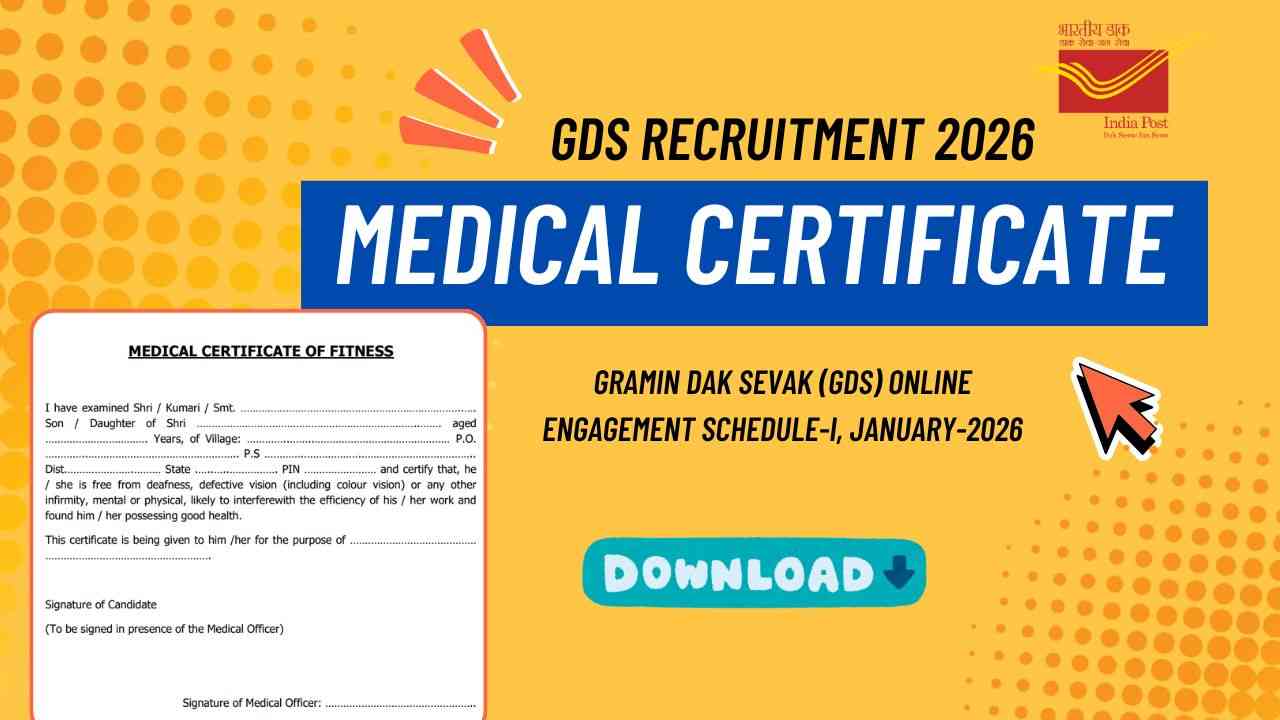
Among all the essential paperwork required for verification, the GDS Medical Certificate Format PDF is arguably the most crucial layout you must present. Failing to submit this document in its exact officially prescribed format can result in immediate disqualification. In this comprehensive guide, we will provide you with the direct steps to download the official GDS Medical Certificate Format PDF, how to fill it out accurately, and how to get it authorized without any delays.
Why is the GDS Medical Certificate Mandatory?
The Indian Postal Department requires a standardized medical fitness certificate to verify that every incoming candidate is physically healthy enough to handle the daily operations of rural postal networks.
Whether you are selected as a Branch Postmaster (BPM), Assistant Branch Postmaster (ABPM), or Dak Sevak, your primary duties will demand physical stamina. These tasks typically include:
- Traveling across local village circles for mail delivery.
- Riding a bicycle or motorcycle comfortably.
- Lifting and handling outdoor mailbags safely.
The document serves as legal proof that you do not suffer from any critical health anomalies or physical infirmities that could hamper your workplace safety or overall efficiency
GDS Medical Certificate Format PDF
Choose the correct medical certificate form as specified in the recruitment guidelines. Click on the download link to save the form to your computer or device.
To ensure your document verification goes smoothly, you must strictly download and print the latest layout approved by India Post for the 2026 engagement drive. Using outdated medical forms from older recruitment years (such as 2024 or 2025) will lead to instant rejection by your verifying authority.
Quick Note: The printable form must always be generated on clean, standard A4 size white paper. Ensure that text, lines, and signature spaces are completely visible with high contrast.
Filling Out the Medical Certificate
- Complete the Form: Fill out the form with the required personal details, including your name, contact information, and any other necessary information.
- Consult a Medical Practitioner: Visit a certified medical practitioner to get the required examination and certification. The medical practitioner will complete the form and provide their signature and stamp.
Important Considerations
- Ensure Accuracy: Make sure all information on the medical certificate is accurate and correctly filled out by the medical practitioner.
- Check for Updates: Regularly check the official recruitment website for any updates or changes in the procedure for submitting the medical certificate.
- Compliance with Guidelines: Adhere to all guidelines provided by the Indian Post Office regarding the medical certificate to avoid any issues with your application.
| Subject | Information |
|---|---|
| India Post Official Website | https://www.indiapost.gov.in/ |
| India Post GDS Official Website | https://www.indiapost.gov.in/gdsonlineengagement |
Conclusion
Downloading and completing the correct GDS Medical Certificate Format PDF is one of the final hurdles standing between you and a fulfilling career with the Indian Postal Department. By staying organized, approaching an authorized government medical practitioner, and submitting your files cleanly, you can glide through your verification window with absolute peace of mind.
Still confused about any step in the GDS 2026 documentation process? Leave a comment down below, and feel free to share this guide with other shortlisted applicants!